1:1 WYSIWYG Post/Page Editor & Multimodal AI Writing Guide
Table of Contents
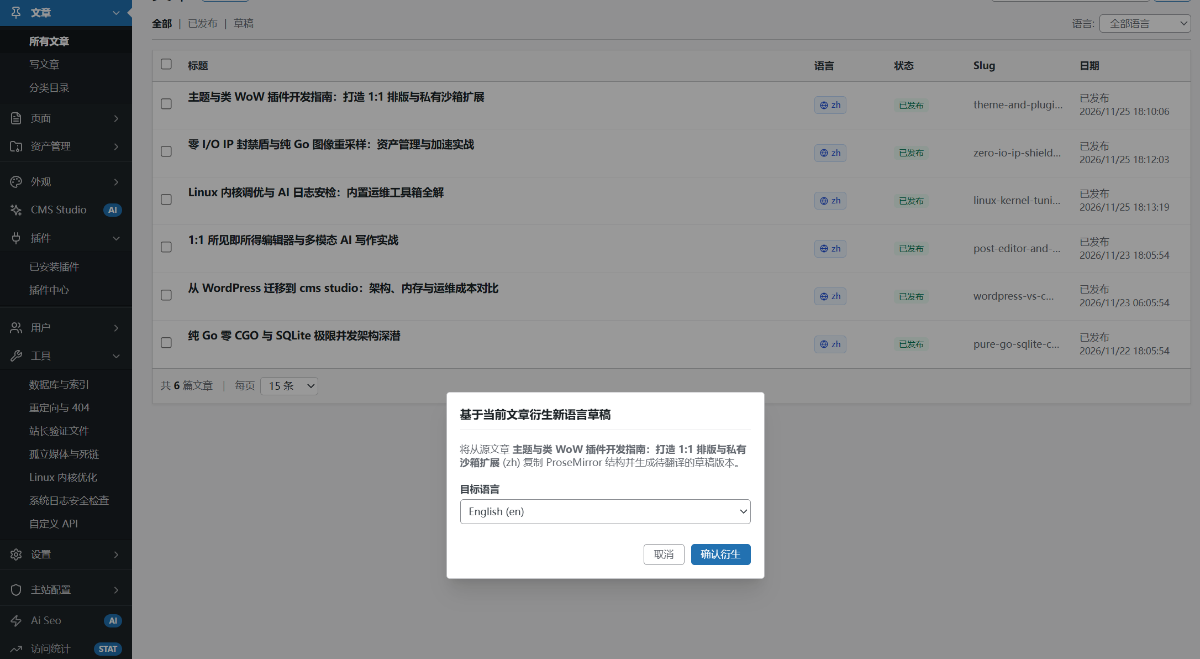
Many CMS editors display one font and spacing while writing, only to look completely different once published. The Post/Page Editor in cms studio uses a same-origin iframe sandbox with live style composition to achieve true 1:1 WYSIWYG authoring.
1. Live 1:1 Theme Style Synchronization
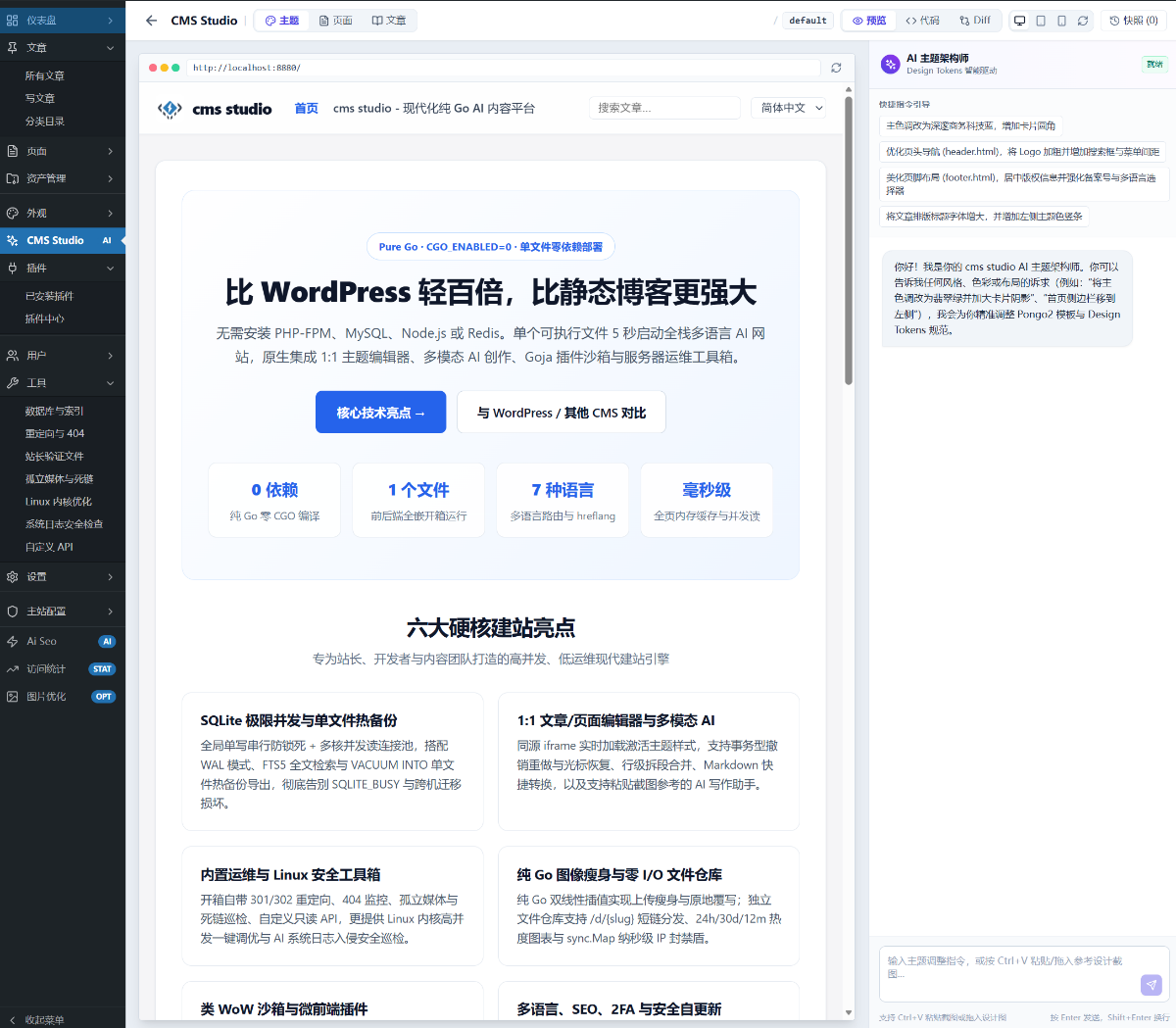
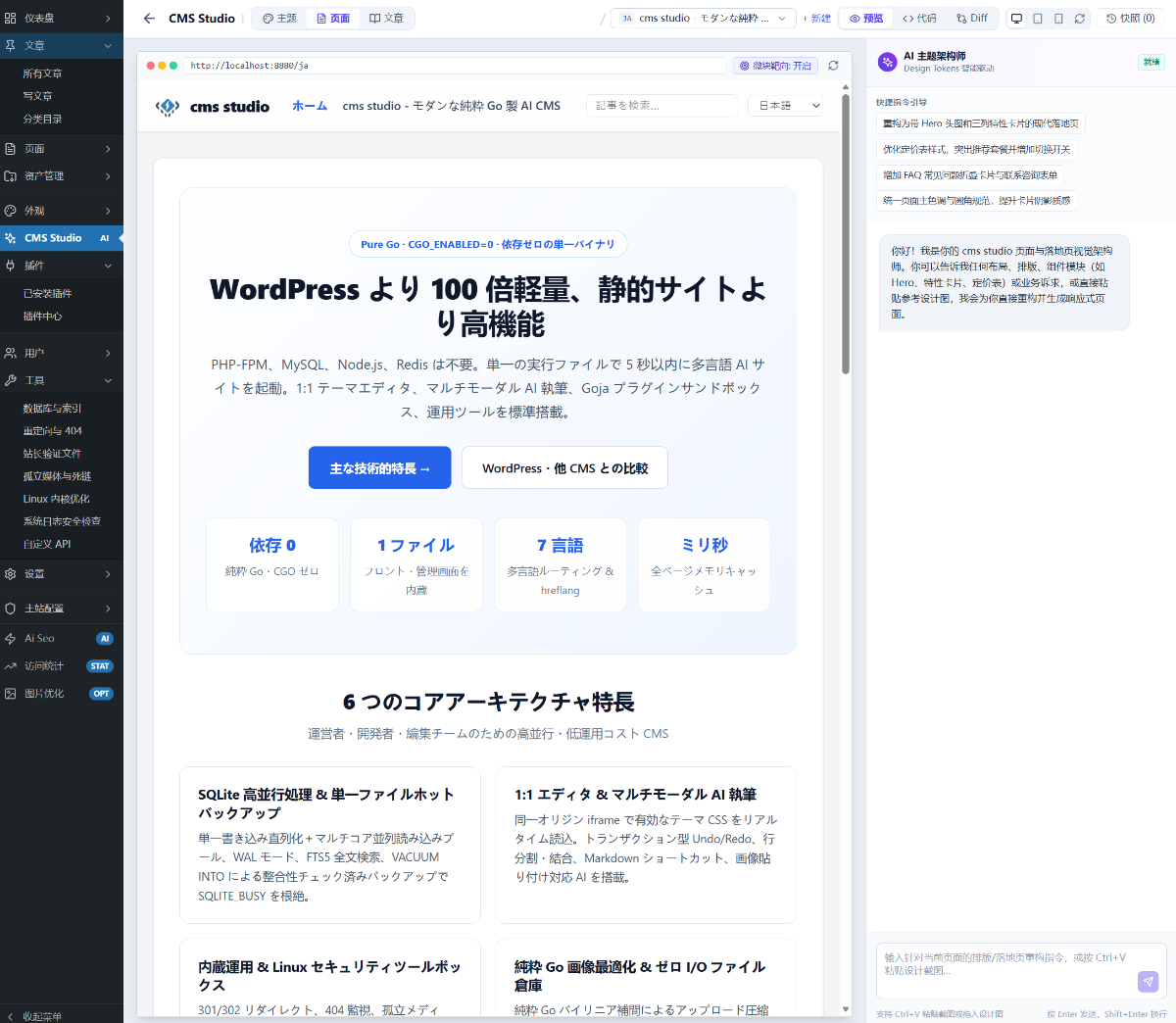
When the editor opens, the canvas fetches /themes/active/editor-style.css. The kernel dynamically stitches three layers: your active theme's style.css, the primary color variable --theme-primary, and editor-specific editor.css. Headings, blockquotes, code blocks, and line heights match what visitors see on the live site.
2. Transactional Undo/Redo & Row-Level Shortcuts
Built around the most frequent long-form editing gestures, the editor features a transactional history stack and row-level engine:
- Typing Coalescing + Discrete Structural Steps: Continuous typing merges inside a 450ms debounce window, whereas
Entersplits,Backspacerow deletes/merges, and pastes push discrete undo steps—restoring exact caret position onCtrl+Z/Ctrl+Y. - Power Keyboard Shortcuts: Type
#,##,>,-,1., or```at line start to convert blocks; pressAlt + ↑/↓to reorder blocks;Ctrl+Shift+Dto duplicate;Ctrl+Shift+Backspaceto delete the active row.
3. Multimodal AI Writing Assistant & 1-Click Translation
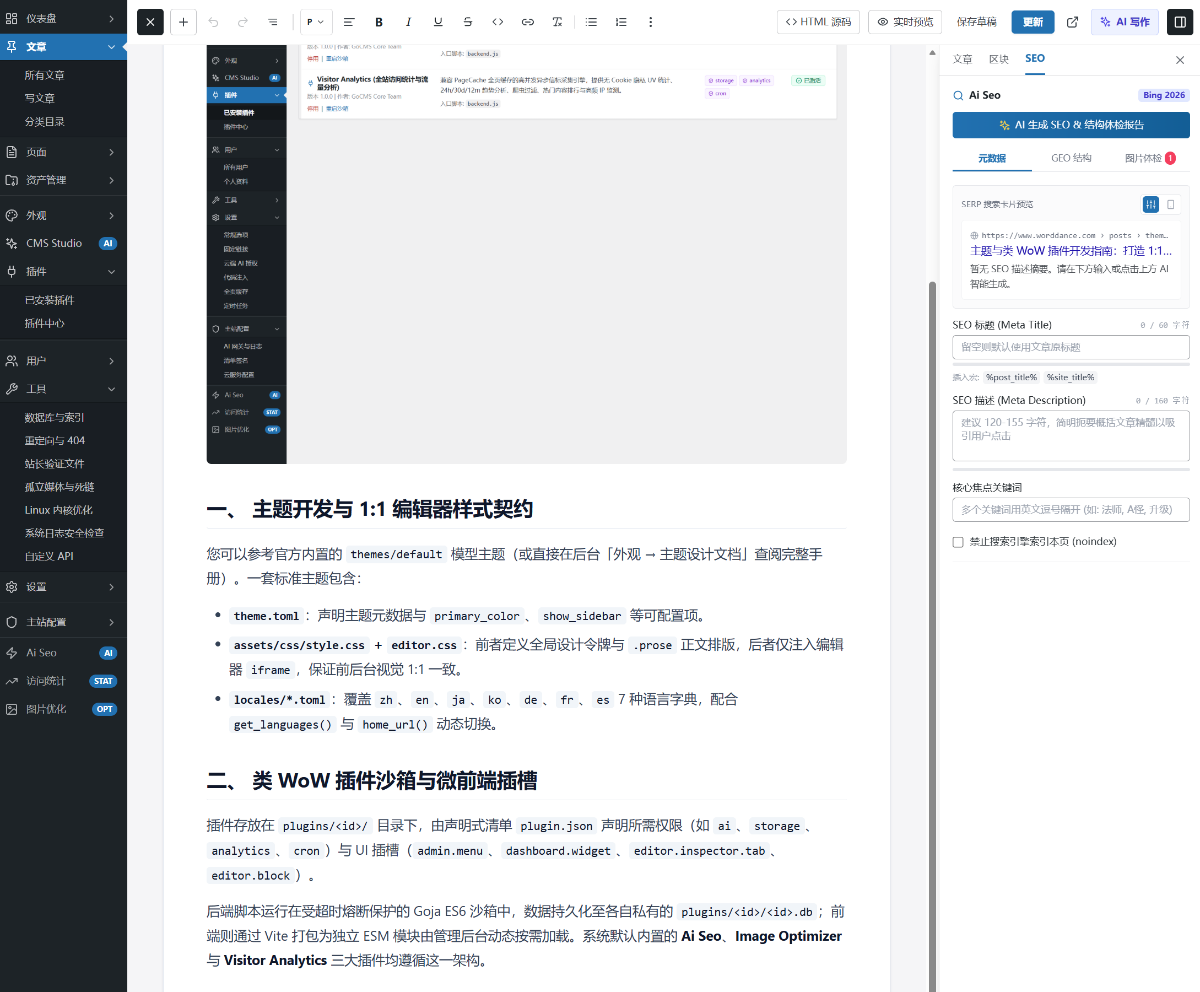
Tip: Inside the right-hand AI Writing Assistant input box, press Ctrl+V to paste a UI screenshot or reference image—the AI reads visual details directly to draft structured copy or tutorials.
AI output streams inline inside a Ghost Block without disturbing existing text, letting you append, replace, or rewrite in one click. Published posts can also be translated into multiple languages from the list view, with an instant abort button for long requests.